Audio effects you make by describing them
A plugin for your DAW. Type the sound you want, and Prompt FX makes a working effect on your track.
Free for 14 days, then $49 once. VST3 and Audio Unit, for macOS 11 or later and Windows 10 or 11.
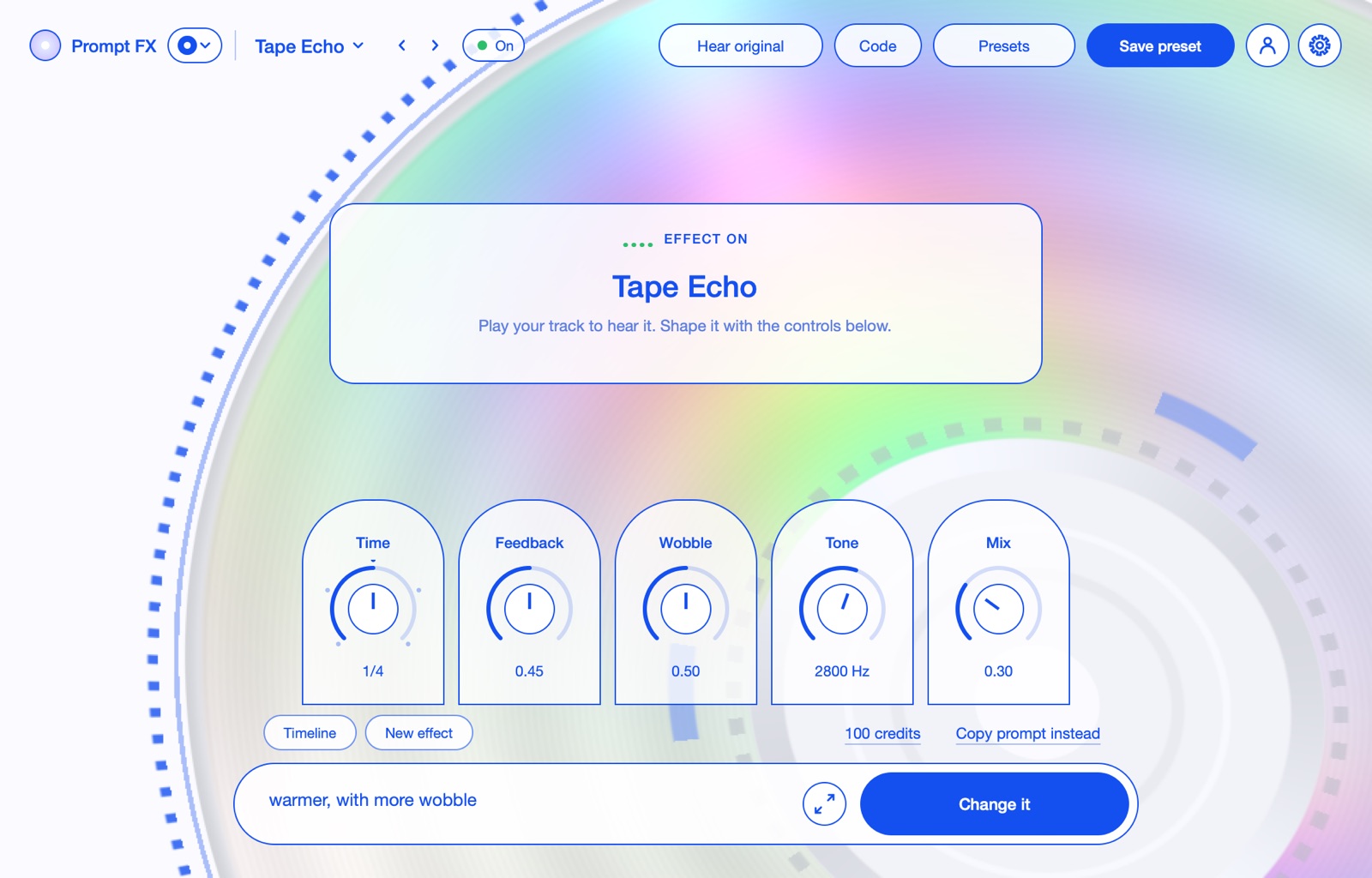
From words to an effect
It takes about a minute. Every effect is checked and tested before you hear it, so nothing harsh reaches your speakers.
-
make the drums ring like bells
Describe the sound
In your own words, on any track.
-
Make it
Press Make it
The AI writes the effect and Prompt FX plays it on your track.
-
Shape it
Each effect comes with its own knobs, which your DAW can automate.
-
Change it, or go back
Describe a change. Every version stays on the timeline.
-
Share this effect
Share it
Hear what others made in the community, and share yours.
No credits left? Press Copy prompt instead, paste it into your own AI chat, then paste the reply back. That always works, free.
Hear the presets before you buy
Play a sound through one and turn its knobs. The plugin comes with 49 presets in eight families.
Space
Echo
Movement
Drive
Lo-fi
Rhythm
Dynamics
Weird
Concert Hall
A wide hall with a long, smooth tail.
“a big concert hall reverb for vocals, smooth and long”
Try it free, then buy once
Free trial
14 days
- 2 credits for Make it
- Copy the prompt into your own chat as often as you like
- On up to 3 computers, no card needed
Prompt FX
$49
- Yours to keep, on up to 3 computers
- All 49 presets
- 100 credits for Make it
- Copying the prompt always works, with no credits
More credits
One credit makes one effect from your words. If the first try fails the plugin’s checks, up to 3 fixes are free, and if it still doesn’t work you get the credit back. Credits never expire.
- 50 credits
$9$7 - 150 credits
$19$15 - 500 credits
$49$39
On sale soon. Launch prices on credits while the sale lasts.
Install it
Not signed yet, so your computer asks you to allow it once.
Open the installer
Open Prompt-FX.pkg, then click Done on the warning.
Allow it
In System Settings, Privacy & Security, click Open Anyway.
Sign in
Add Prompt FX to a track and sign in with your email to start the free trial, or with the email you bought it with.
VST3 and Audio Unit, for Logic Pro, GarageBand, FL Studio, Ableton Live and REAPER.
Open the installer
If Windows says it protected your PC, click More info, then Run anyway.
Install
It puts Prompt FX in your VST3 folder, where every DAW looks.
Sign in
Rescan plugins, add Prompt FX to a track and sign in with your email to start the free trial, or with the email you bought it with.
VST3, for FL Studio, Ableton Live, REAPER, Cubase and Studio One.